What you’ll achieve
By the end of this guide you are tracking one or more US states with their own day limits, separately from the United States as a whole.
A state line is not a border, so the app treats it differently from a country: a state gets a tax threshold and alerts, and nothing to do with visas.
Step 1: Add the United States
State settings live inside the country. If the United States is not in your list yet, go to Settings, Countries & Regions, tap Add in the top right and pick it.
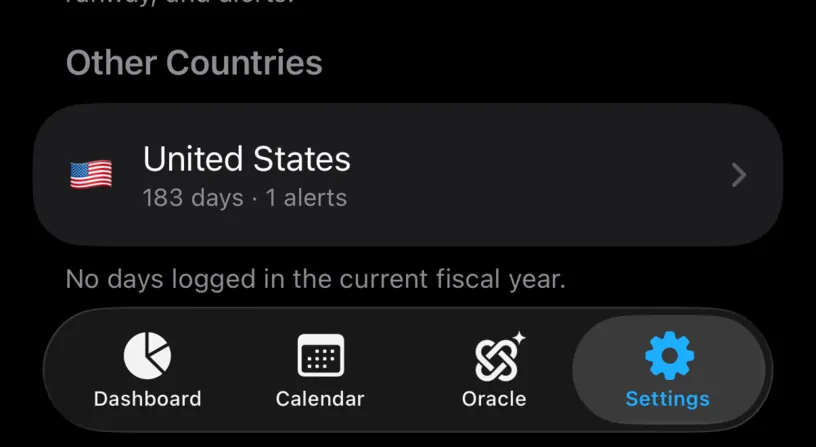
If you have no US days in the current fiscal year, it lands under Other Countries rather than This Fiscal Year, with a footer saying so. That is normal, and it does not affect anything below.
The US Tax (FEIE) row further up the same screen is a different feature. It counts days spent outside the United States for the foreign earned income exclusion, and Enable the FEIE day tracker covers it.
Step 2: Find the US States section
Open the United States row. Its screen has the usual Tax Residency and Visa & Immigration sections, and then one the other countries do not have.
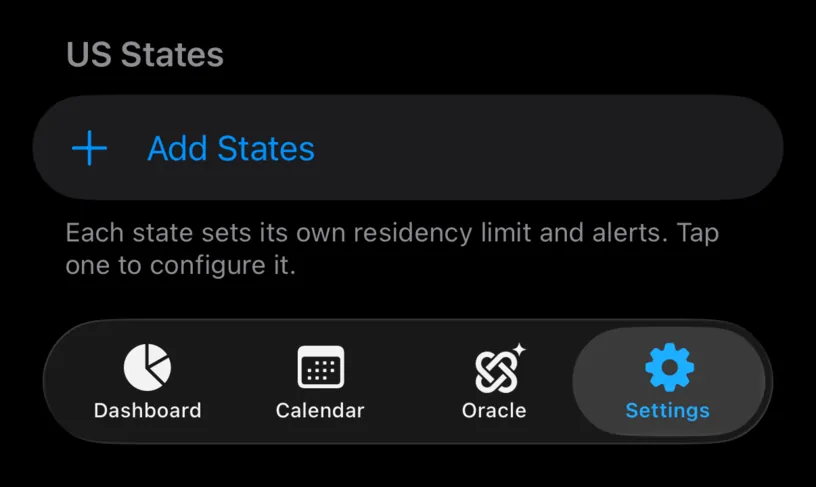
Each state sets its own residency limit and alerts. Tap one to configure it.
Step 3: Add the states you care about
Tap Add States. All fifty states and the District of Columbia are listed alphabetically, with a search field on top.
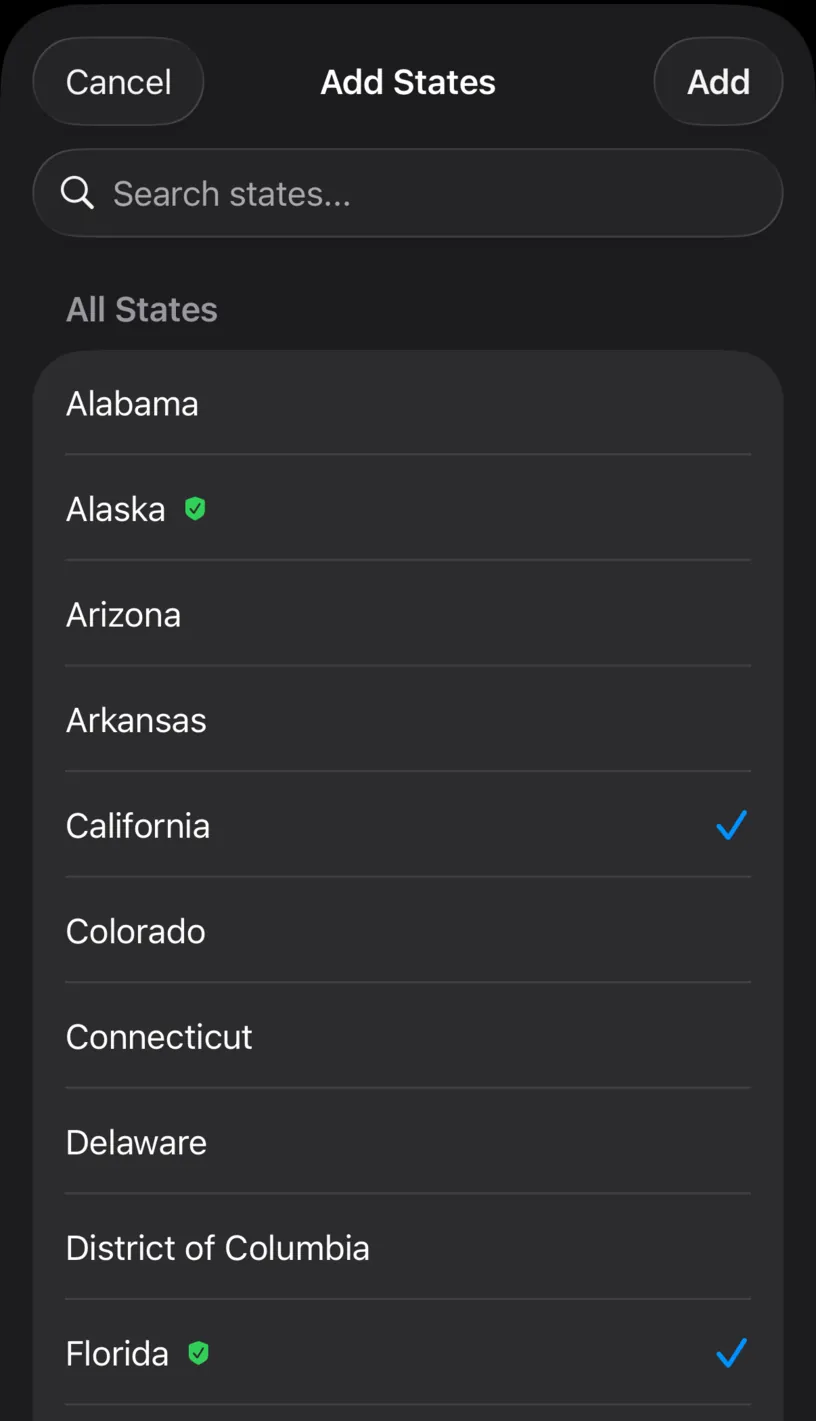
The green shield marks the states with no personal income tax. Alaska and Florida carry it here, and it is the quickest way to tell which states you are tracking for your records and which ones have a threshold to stay under.
Tap the state’s name, not the empty space to the right of it. The row only responds to a tap on the label.
Pick as many as you like, then tap Add. The button is greyed out until something is selected.
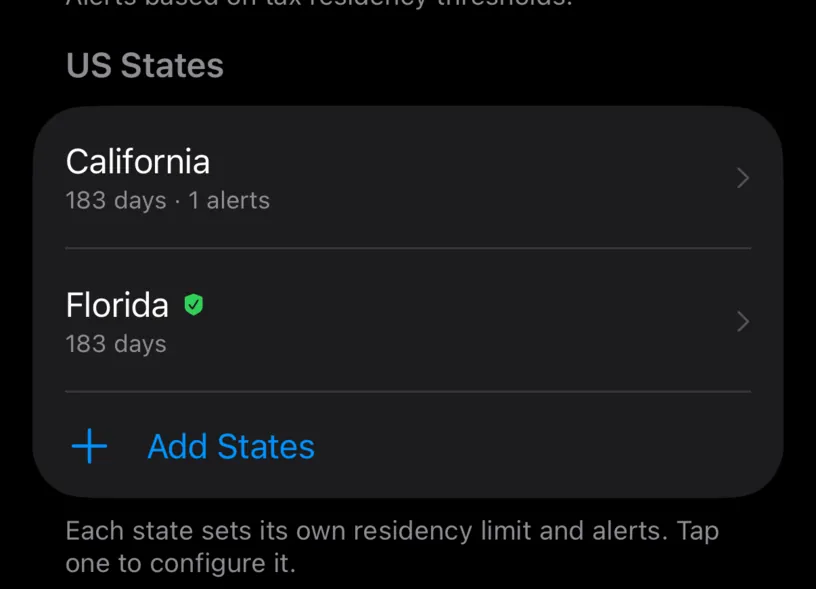
Both arrived at 183 days, which is the common threshold, and only California arrived with an alert. States with no income tax skip the default alert on purpose, since there is no threshold there to warn you about.
Step 4: Configure one
Tap a state to open its own screen.
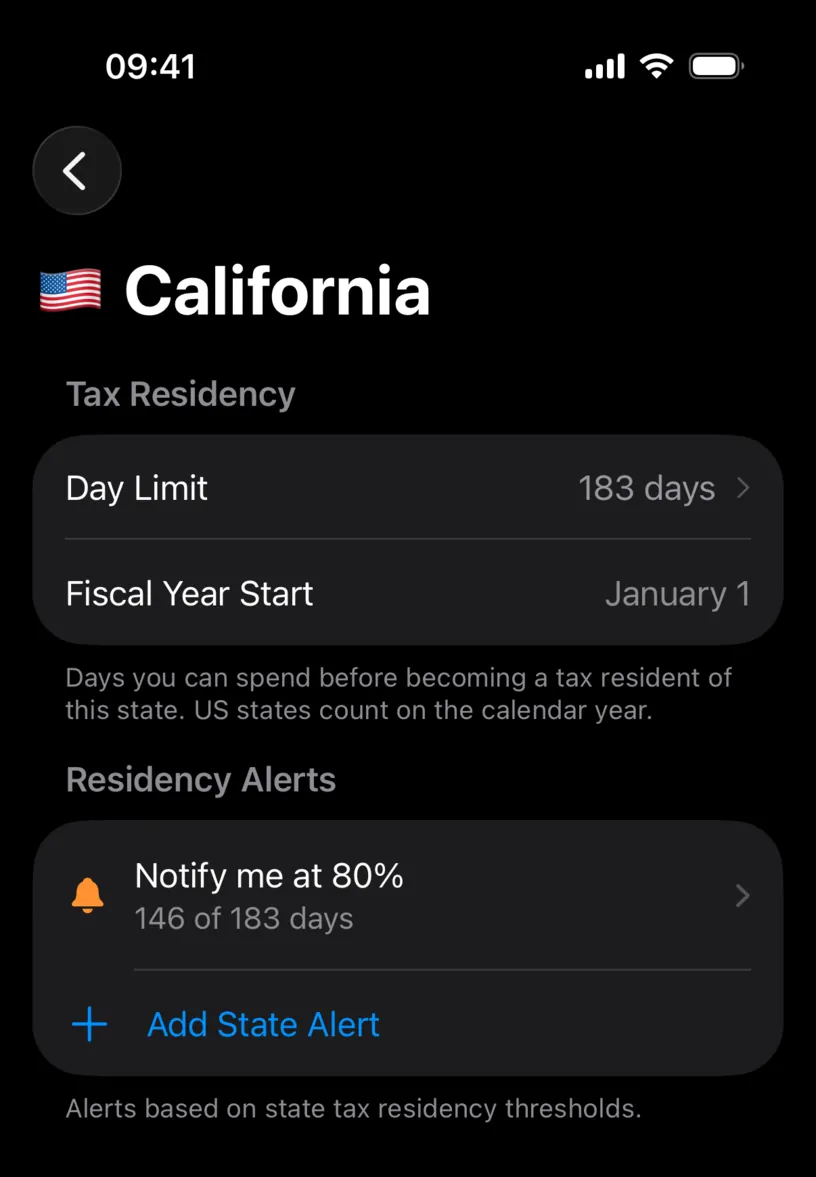
Day Limit is editable. 183 days is a common line but not a universal one, so set it to whatever the state you are worried about actually uses.
Fiscal Year Start is fixed at January 1 and has no chevron. Every US state counts on the calendar year, and a picker there would only invite a wrong answer. The footer says it outright: US states count on the calendar year.
Residency Alerts works exactly like a country’s. Add State Alert adds another threshold, and tapping an existing one changes its percentage.
Check your result
Go back to Countries & Regions. The United States row now summarises everything you set.
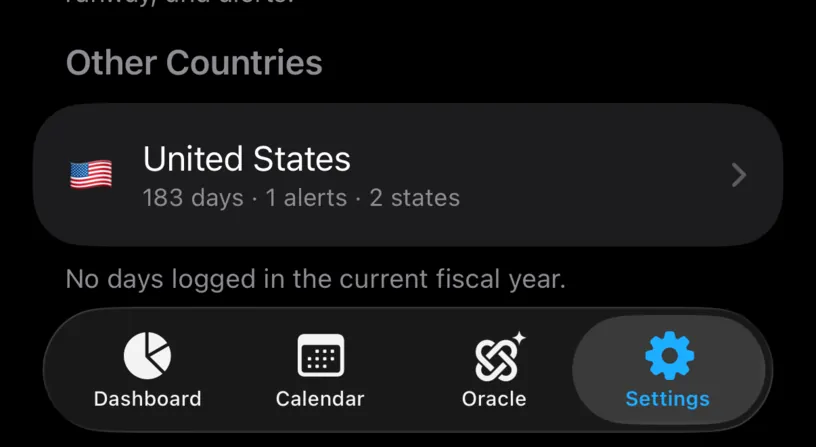
183 days · 1 alerts · 2 states, in that order: the country’s own limit, the country’s own alerts, and how many states sit underneath it.
If something looks different
Tapping a state in the picker does nothing. Tap the name itself. The rest of the row is not a target.
No state shows a day count. A row only reports days logged once your history has days attached to a state, and that happens when a photo, a GPS trace or a scanned document identifies one. Days you typed in by hand carry a country, not a state.
The alerts section has a padlock. State alerts are PRO. The day limit is not.
There is no Visa & Immigration section on the state screen. There should not be. A state line is not a border and there is nothing to enter on, so a state has a tax limit and nothing else.
You removed the United States and the count did not drop. Deleting the country leaves its states behind, and the number beside Countries & Regions keeps counting them. Delete the states first, from inside the country, by swiping each row. Each asks to confirm and warns that your logged days stay on the calendar either way.
Next steps
Customize a country’s fiscal day limit covers the same threshold at country level, and Configure fiscal day-count alerts covers the alerts these states inherit.