What you’ll achieve
By the end of this guide one country counts your days inside a window that moves with today, rather than a year that resets on a date.
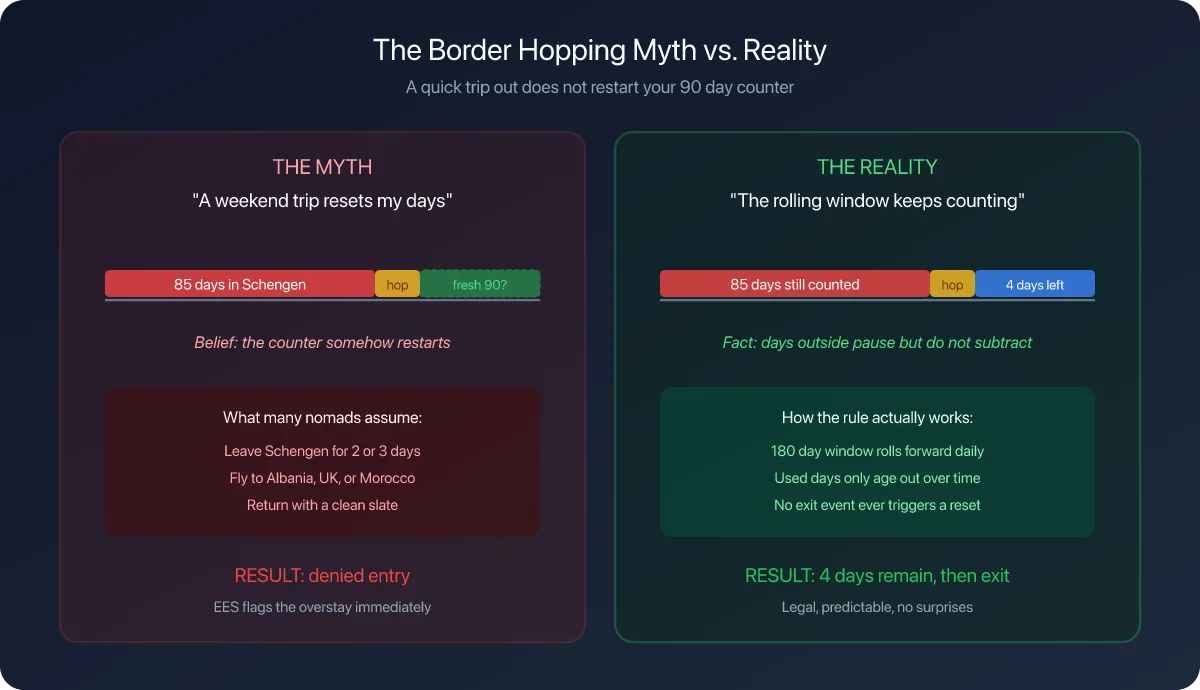
That difference matters. A yearly allowance is spent until the year turns over. A rolling allowance recovers on its own: the day you spent a year ago drops out of the window today, and you get it back.
The example sets Taiwan to 180 days in any 365. Your country and your numbers come from your own visa, not from this page.
Step 1: Open the country
Open the Settings tab, tap Countries & Regions, and tap the country.

Tax Residency at the top is the tax threshold, and this guide does not touch it. The switch you want is Track Runway, under Visa & Immigration, off by default.
Turn it on. A Runway Configuration row appears under it, pre-filled with 60 days · Fiscal Year, and a Visa Alerts section appears at the bottom of the screen.
That default is a placeholder, not anyone’s rule. Open the row.
Step 2: Choose Rolling Window
Tap Calculation Type and pick Rolling Window.

The hint under it reads Like Schengen 90/180, which is the shape rather than the numbers: a count of days inside a window that ends today.
Choosing this type adds a second wheel that the other three do not have.
Step 3: Set the allowance and the window
Days Allowed is how many days you may spend. Window Size (Days) is how long the window is.

Set the allowance first, then scroll to the second wheel and set the window. Both are single days on a wheel, so a 90 in 180 rule is 90 in the first and 180 in the second.
Get the order right. The window is the larger of the two numbers, and swapped the rule can never be broken, because a window can never hold more days than its own length.
Tap Done. The row now reads back what you chose.

Step 4: Read the counter it adds
Open the Dashboard tab and scroll to Countries.

The country’s card now carries two counters. Fiscal Residency is the tax threshold, unchanged at 20 / 90. Visa / Immigration is your new rule, 20 / 180, with 160 days remaining in the window.
The label says Visa / Immigration rather than the type you picked, so the card looks the same whichever of the four algorithms is behind it. The row underneath is where the rolling part shows: those 160 days are what is left in the window ending today, not what is left this year.
Check your result
The window is the number of days you set, counted back from today and including today. With 365 and a today of 13 May 2026, it opened on 14 May 2025, and every day logged inside it counts.
Tap the country’s card to check which days those are.

The stay here is 1 Apr 2026 - 20 Apr 2026, so those 20 days will leave the window one by one through April 2027, and the counter will fall back to zero on its own.
That is the whole point of a rolling rule, and it is why the number can go down without you doing anything.
If something looks different
There is no Window Size wheel. Only Rolling Window has one. Check Calculation Type.
The counter reads the same as the tax counter. It will, whenever the two limits are equal and all your days sit inside both periods. Give them different numbers, or check the limits, before assuming the app is repeating itself.
The window number went back to 180. That is the default for the second wheel. It is easy to set the first and forget the second, so reopen the row and read it back.
The card only shows Fiscal Residency. Track Runway is off for that country.
You are tracking Schengen. Do not build it here. The Schengen Area row under Regional already applies 90 in any 180 across every member country at once, which a single-country rule cannot do. Read your Schengen day counter covers it.
Days from last year are counting. They should. A rolling window reaches back across new year, which is exactly how it differs from a fiscal year rule.
A future trip does not move the counter. The window ends today, so planned days sit outside it. Plan your first trip with Ghost Trips is how to test a trip before it happens.
Next steps
Set a country’s visa limit covers the other three calculation types and when each one applies.
Set up immigration alerts puts a warning on the counter you just built.
Read your dashboard at a glance explains the rest of the card the new counter joined.